How to choose
Which smart home device to buy first, and which to skip
Only one smart home device has a certified savings figure. Work out the payback on a thermostat, a plug and a speaker before you buy any of them.
A smart home is sold as one idea and bought as twelve separate purchases, and only one of those purchases has a number attached to it that someone else has checked. The rest are convenience, and convenience costs a small amount of electricity every hour of every day whether you use it or not.
This guide puts the devices in the order a payback calculation puts them. Every price below is an example used to show the arithmetic, not a price we are quoting, and every watt figure that is not from a manufacturer is labelled as an assumption so you can substitute your own.
Only one device category has a certified savings figure
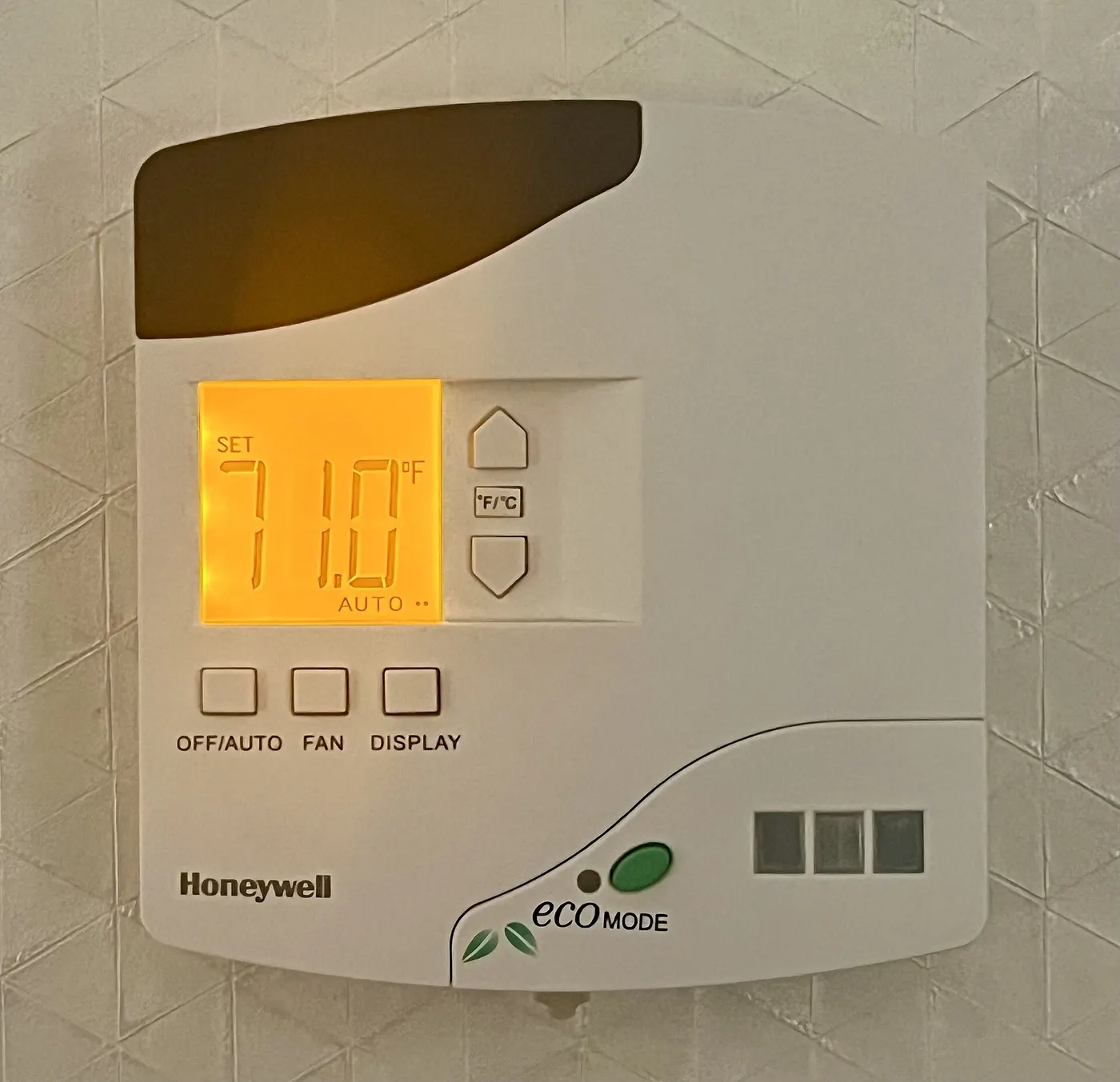
EPA's ENERGY STAR programme certifies smart thermostats on field data rather than on a laboratory bench. Its published answer for programme sponsors is that savings average about 8% of heating and cooling bills, or about $50 per year, with results from a national sample of homes submitted to a third-party certification body. That is the only consumer smart home category where a public body publishes a savings figure at all.
The size of the prize is set by how much of the bill is heating and cooling. ENERGY STAR's own smart thermostat page puts that at almost half of a typical annual energy bill, more than $900 a year. Eight percent of that is where the $50 comes from, and it is why the thermostat is the only device in this guide that can pay for itself.
The payback is purely division: price divided by $50. A $130 thermostat takes about 2.6 years. A $250 model takes about 5.0 years for exactly the same saving, which is the whole argument against buying the expensive one unless you want the screen.
| Device and example price | What it changes | Annual effect | Years to pay back |
|---|---|---|---|
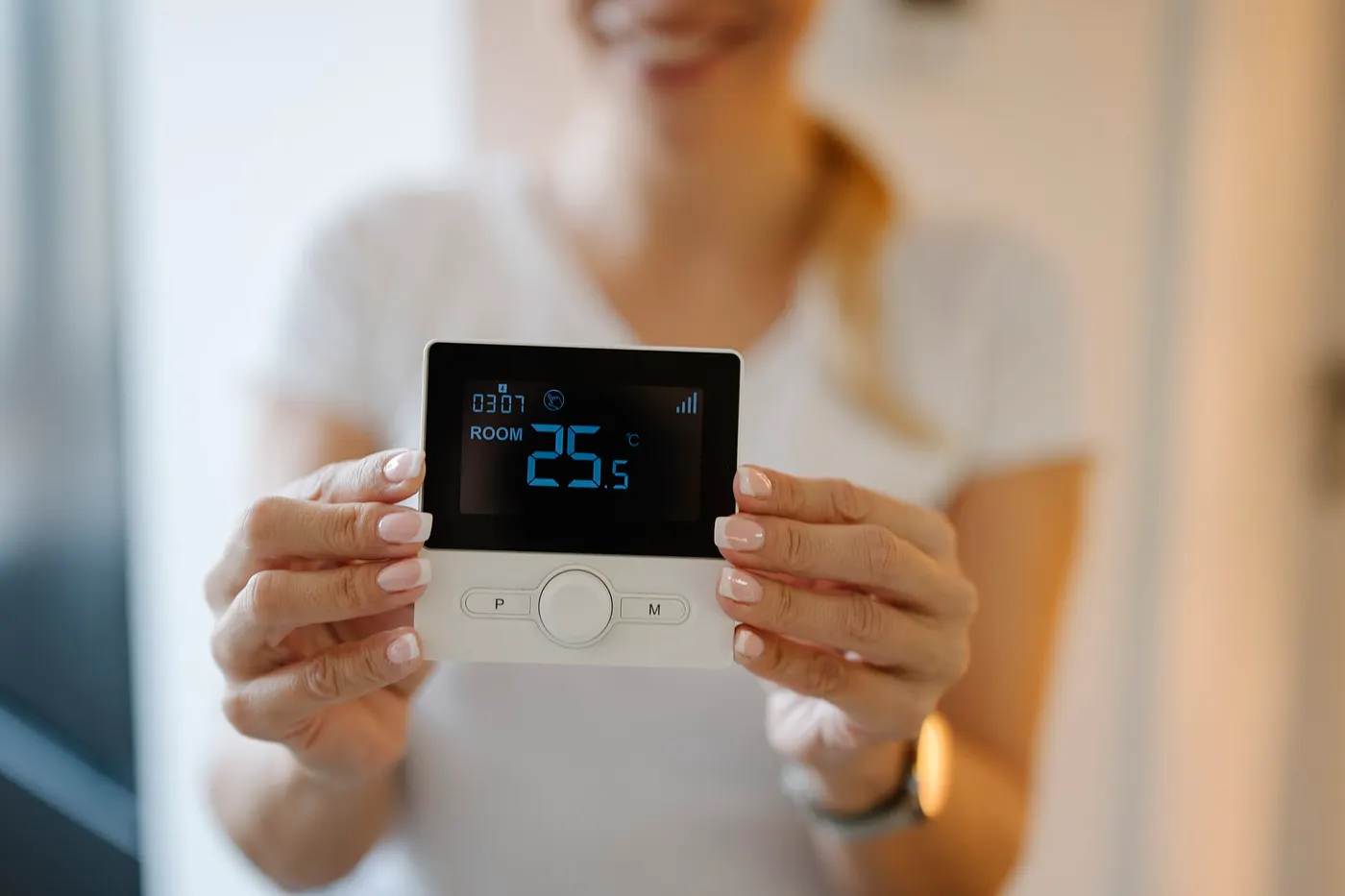
| Smart thermostat, $130 | Setbacks happen whether or not you remember | about $50 saved | about 2.6 years |
| Smart thermostat, $250 | The same setbacks, on a nicer screen | about $50 saved | about 5.0 years |
| Smart plug, $12 | Cuts a 5 W standby load for 22 hours a day | about $6.44 saved | about 1.9 years |
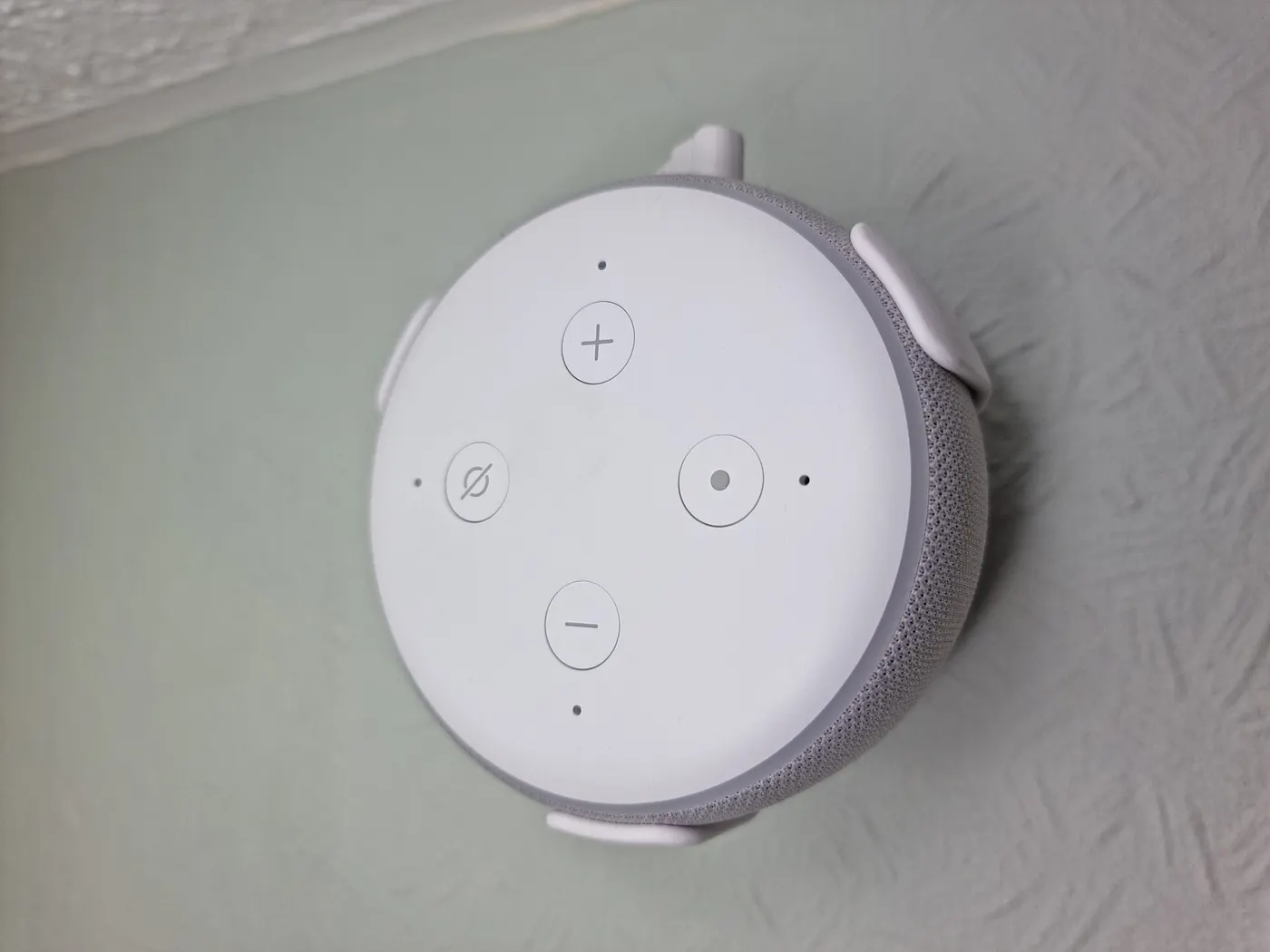
| Smart speaker, $50 | Voice control; draws about 2 W idle (assumed) | about $3.15 added | it does not pay back |
| Video doorbell, $100 | Sends a clip; draws about 3 W (assumed) | about $4.73 added | it does not pay back |
The $50 is ENERGY STAR's published average for a certified smart thermostat. The plug and the standby figures are arithmetic at $0.18 per kWh, explained in the next section. The 2 W and 3 W draws are assumptions, not measurements.
Everything else is convenience, priced in watts
A device that is always listening is always drawing. One watt left on for a year is 8.76 kWh. The U.S. Energy Information Administration's Electric Power Monthly put the average residential retail price at 18.16 cents per kWh for August 2026, so rounding to $0.18 gives a constant worth memorising: one watt costs about $1.58 per year.
That constant is what turns a vague worry into a decision. A hub that idles at 3 W costs about $4.73 per year, which almost nobody would call expensive. Six smart bulbs sitting at 0.4 W each add 2.4 W, about $3.78 per year, and they do that whether the lights are on or off because the radio never sleeps.
The smart plug is the one convenience device that can run a negative cost. Switch off a device that was drawing 5 W continuously for 22 of every 24 hours and you save 5 x 22 x 365 / 1,000, which is 40.2 kWh, or $7.23. The plug itself draws about 0.5 W, costing $0.79, so the net saving is $6.44 a year and a $12 plug pays back in about 1.9 years.
| Continuous draw | kWh per year | Cost per year |
|---|---|---|
| 1 W | 8.8 kWh | $1.58 |
| 2 W | 17.5 kWh | $3.15 |
| 3 W | 26.3 kWh | $4.73 |
| 5 W | 43.8 kWh | $7.88 |
| 10 W | 87.6 kWh | $15.77 |
Each row is watts x 8.76 kWh, then multiplied by $0.18. Substitute the rate from your own bill; residential prices differ by state and by plan.
The order that leaves you least to undo
Thermostat first, because it is the only device with a payback. Smart plugs second, because they are cheap, they can be moved, and the two or three appliances in a house that genuinely idle at 5 W or more are worth finding with a plug-in meter before you buy anything else.
Bulbs third, and only in rooms where the switch is awkward. A smart bulb behind a wall switch that someone turns off is a dead bulb, which is why the sockets worth converting are lamps and fittings with no wall switch in daily use.
Speakers, displays and cameras last. They are the devices people buy first, and they are the ones that add running cost without removing any. That is not an argument against them; it is an argument for buying them when you want them rather than as the opening move.
- Certified smart thermostat, if your home has central heating or cooling to control
- Two smart plugs, aimed at the largest standby loads you can actually measure
- Smart bulbs, in fittings that have no wall switch anybody uses
- A door sensor or leak sensor, which draws almost nothing and reports something you cannot see
- Speaker, display or camera, bought as a want rather than as a saving
Three checks that decide whether the device is still useful in year four
Ask how long the manufacturer commits to security updates, and where that commitment is published. NIST's Cybersecurity for IoT Program sets out the consumer baseline in NIST IR 8425, a profile of the IoT core baseline for consumer products published in September 2022, and the FCC drew on NIST's technical work for the Cyber Trust Mark labelling programme. A product whose maker will not state an end date has effectively chosen one for you.
Ask what happens with the internet down. A thermostat that still holds a schedule, a lock that still takes a code and a bulb that still answers its wall switch are all usable in an outage. A device whose only control path is a cloud service is a device that fails when a company you do not deal with has a bad afternoon.
Ask whether the device needs a subscription for the feature you are buying it for. A camera that records only to a paid plan is a $100 purchase with a running cost attached, and that running cost is usually larger than every watt in this guide put together.
Putting the first $200 somewhere useful
On the example figures above, $130 on a certified thermostat and two $12 plugs comes to $154 and produces roughly $63 of annual saving: $50 from the thermostat and about $13 from two plugs cutting real standby loads. The same $154 spent on a speaker and a doorbell produces about $7.88 of extra annual cost.
The difference between those two baskets is about $71 a year, and over 5 years it is about $355 on identical hardware budgets. That is the entire case for buying in this order rather than the order the shelves are arranged in.
Before you buy
- Find your own electricity rate on a recent bill rather than using the 18.16 cents national average
- Confirm the thermostat is ENERGY STAR certified before applying the $50 figure to it
- Measure two or three suspected standby loads with a plug-in meter before buying any smart plugs
- Check whether your utility runs a rebate on certified smart thermostats, which shortens the 2.6 year payback
- Open the manufacturer's support page and look for a stated security update period
- Write down which devices must keep working with the internet down, and buy only ones that do
- Add up any subscription a device needs and treat it as part of the purchase price
Questions readers ask
- Is a smart thermostat worth it in an apartment with radiators?
- The $50 average applies to homes where the thermostat controls central heating or cooling. If your heat comes from radiators fed by a building boiler and the thermostat only opens a valve in one room, the saving is whatever that one room costs, not 8% of the building's bill. A smart radiator valve is the device that matches that situation.
- Do smart plugs really pay for themselves?
- Only when they switch off something that was genuinely drawing power all day. A plug cutting a 5 W load for 22 hours a day saves about $7.23 a year, costs $0.79 to run, and nets $6.44. A plug switching a lamp that was already off most of the time saves nothing and adds $0.79. Measure before you assume.
- How much does a smart bulb cost to leave connected?
- At an assumed 0.4 W of standby draw, one bulb is about 3.5 kWh and $0.63 per year. Six bulbs are 2.4 W, about 21 kWh and $3.78 per year. That is small, but it is permanent: the radio stays awake so the bulb can hear the command to turn on.
- Should I wait for the U.S. Cyber Trust Mark before buying?
- The practical use of the labelling programme is that it pushes manufacturers to state a support period. You can ask for that information today without waiting: find the product's support page and look for a date or a number of years. If there is none, treat the device as having a short and unknown life.
- What is the single cheapest thing to do first?
- Borrow or buy a plug-in power meter and spend 20 minutes measuring the things already plugged in. Most households find one or two appliances idling at 5 W or more, and finding them costs less than a single smart plug while telling you exactly where a plug would pay back.
Sources
- ENERGY STAR - Smart Thermostats FAQ for energy efficiency programme sponsors (8% of heating and cooling bills, about $50 per year, third-party certification of field data) — checked 2026-11-03
- ENERGY STAR - Smart Thermostats product page (heating and cooling is almost half the annual energy bill, more than $900 a year; certified models enter a low-power standby mode) — checked 2026-11-03
- U.S. Energy Information Administration - Electric Power Monthly, Table 5.3: average residential retail price 18.16 cents per kWh, August 2026 — checked 2026-11-03
- NIST - Cybersecurity for IoT Program, listing NIST IR 8425 and the technical contributions adopted for the FCC Cyber Trust Mark — checked 2026-11-03
Some links on this site can earn us a commission. That does not change which product a guide recommends, and it adds nothing to your price. Advertising is not enabled on this site yet. When it is, ads will be labelled and kept visually separate from the guides.