Setting up
Setting up a smart home that still works in three years
Decide what has to work with the internet down, pick one radio, and put the battery changes on a calendar. A setup order that does not need redoing.
Most smart homes fail quietly. A bridge stops getting updates, a service changes its app, a sensor's battery dies unnoticed in a room nobody enters, and within about three years half the automations are decorative.
None of that is prevented by buying better devices. It is prevented by three decisions taken before the first purchase: what must work offline, which radio carries the sensors, and when the batteries get changed. This guide takes them in that order.
Write down what must still work when the internet is down
Divide every planned device into two lists. On the first list go the things whose failure is a problem: the lock on the front door, the heating schedule, the light in a hallway with no usable wall switch. On the second go the things whose failure is an inconvenience: the voice assistant, the camera clip, the colour-changing bulb in the back room.
Only the first list constrains what you buy. A thermostat that holds its schedule in its own memory, a lock that still accepts a keypad code, and a bulb that still answers its wall switch all survive an outage of any length. A device whose only control path is a company's server does not.
The test to apply in a shop or on a product page is simple to phrase: with the router unplugged, which buttons still do something. If the answer for a first-list device is none, it belongs on the second list regardless of what it cost.
- Locks and entry: must work offline, must have a physical or keypad fallback
- Heating and cooling: schedule must live on the thermostat, not only in an app
- Lighting: the wall switch must still work, which rules out some smart bulbs in switched fittings
- Cameras and doorbells: offline behaviour is a preference, not a requirement
- Voice assistants: expect nothing offline, and do not build a first-list function on one
One radio for the sensors, not four
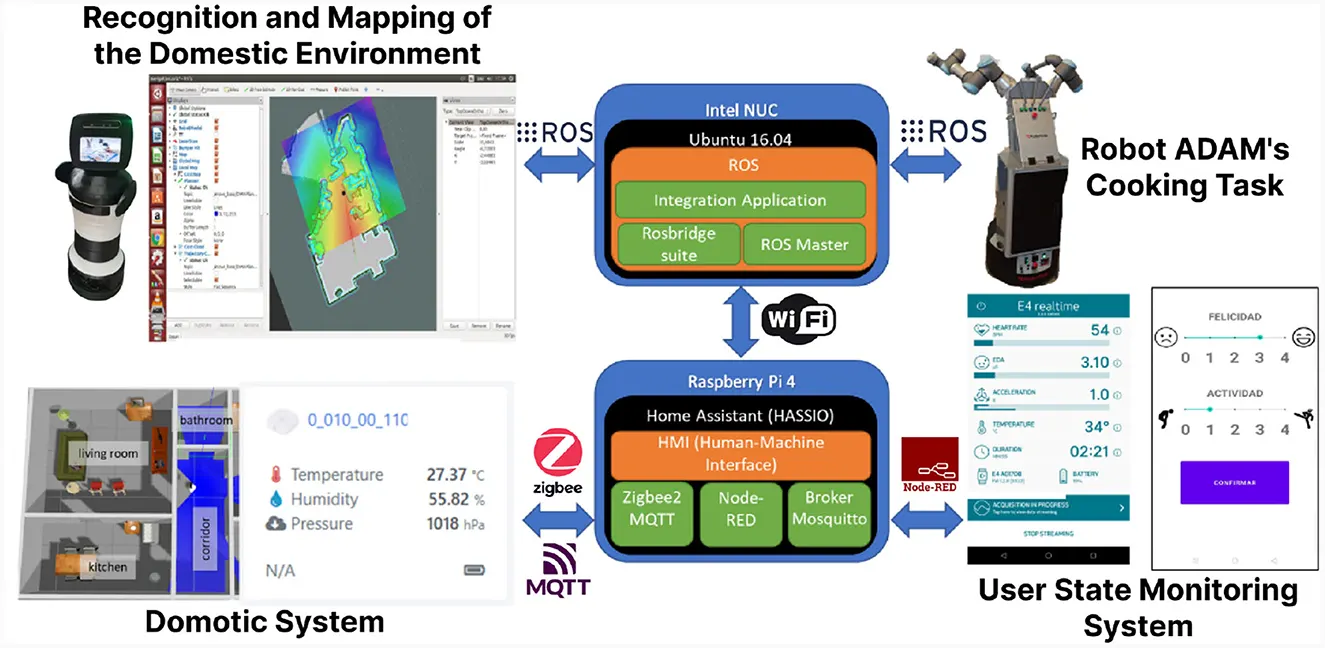
Sensors are where the device count grows, and the usual mistake is buying them one at a time from whichever brand was on offer. The result is a house running Wi-Fi sensors, a Zigbee bridge, a Z-Wave stick and a Thread border router, each with its own app and its own failure mode.
The practical rule is that battery sensors should share one low-power radio, and that radio should have one bridge. Wi-Fi is the wrong choice for a battery sensor for exactly the reason the lock figures in the next section show: keeping a Wi-Fi radio associated costs far more power than a short-range mesh does.
Mains-powered devices can sit on Wi-Fi without penalty, which is why plugs, speakers and cameras are the ones to leave there. The division is not brand loyalty; it is whether the device has a battery to protect.
| Device type | Power source | Radio that fits | Reason |
|---|---|---|---|
| Door, window, motion sensor | Battery | Low-power mesh | Radio sleeps between reports; cells last for seasons |
| Door lock | Battery | Bluetooth or mesh, Wi-Fi optional | Manufacturer figures below show the cost of staying on Wi-Fi |
| Smart plug | Mains | Wi-Fi is fine | No battery to protect, and it is already next to a socket |
| Camera or doorbell | Mains or wired | Wi-Fi | Video needs the bandwidth a mesh does not have |
| Thermostat | Mains or C-wire | Wi-Fi | Needs to be reachable and is not running on cells |
Batteries are a schedule, not a surprise
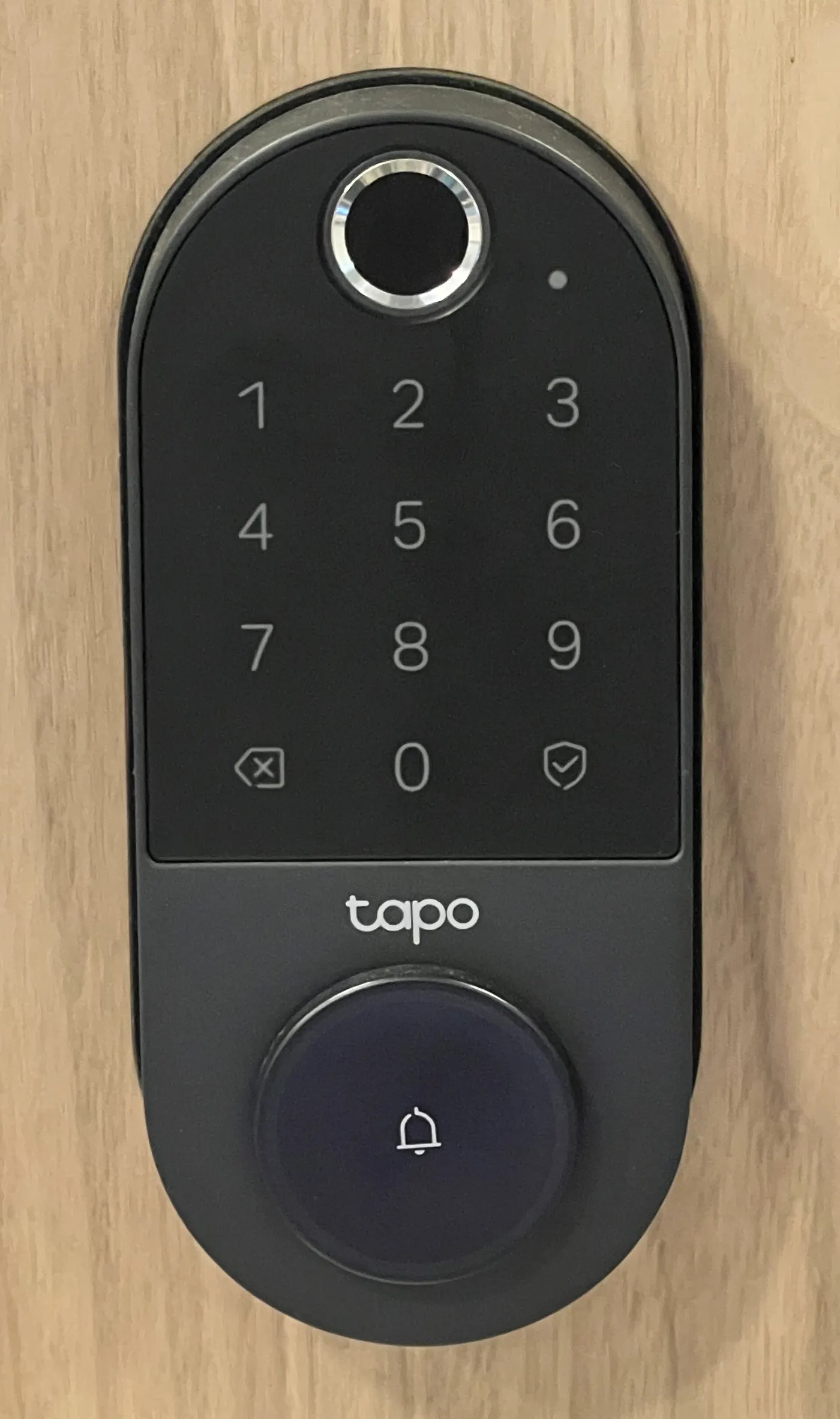
TP-Link's product documentation for the Tapo DL100 smart deadbolt states up to 7 months of battery life in Wi-Fi mode and up to 10 months in Bluetooth mode, on 4 AA cells, from laboratory testing that assumes 20 unlocks per day. Those two numbers are the clearest published illustration of what a connected radio costs a battery device.
Turn them into a calendar. At 7 months you are changing cells about 1.7 times a year; at 10 months about 1.2 times. With AA cells at an example $0.60 each, a set of four is $2.40, so the Wi-Fi mode costs about $4.11 a year in batteries and the Bluetooth mode about $2.88.
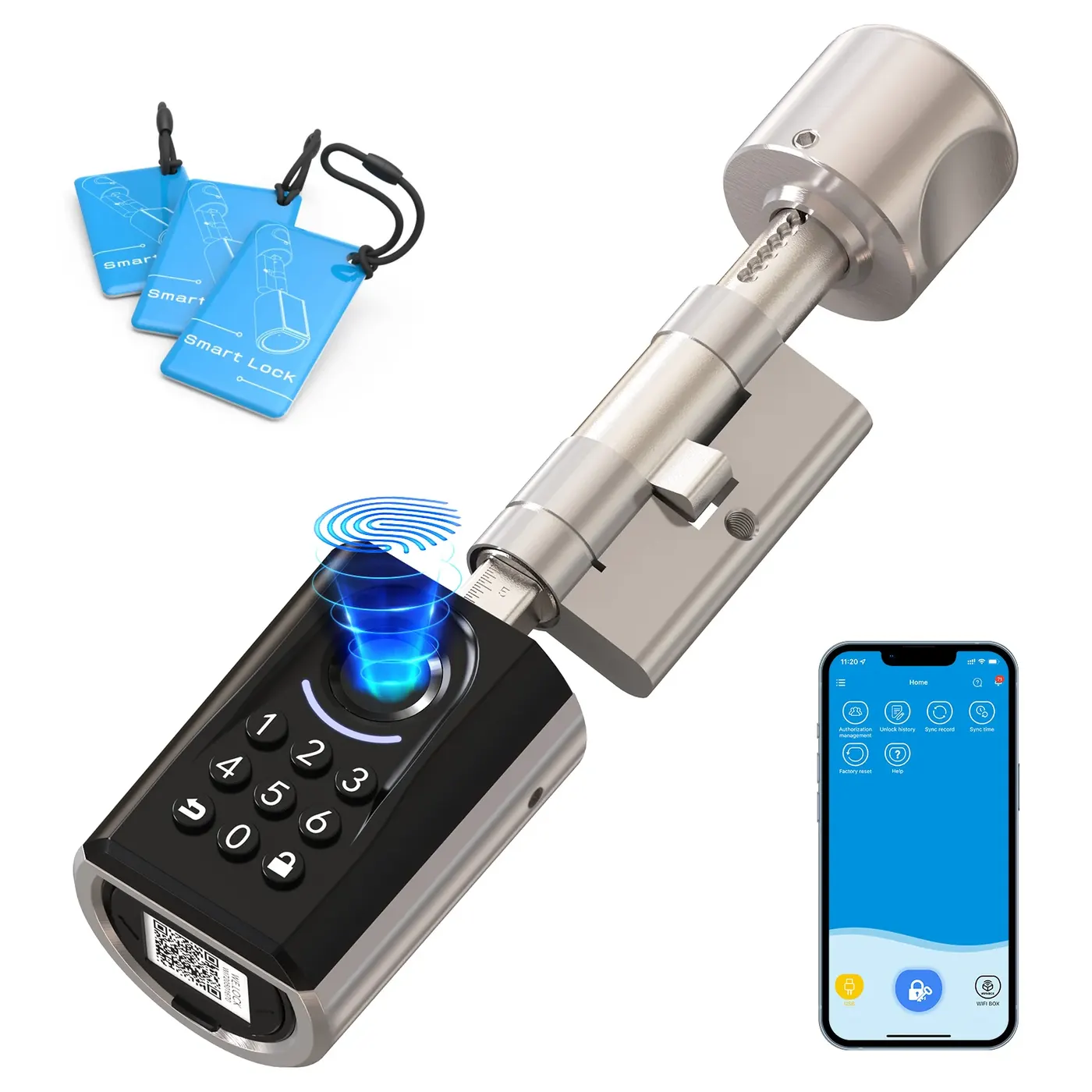
The money is not the point; the interval is. A lock that dies without warning is a lockout, which is why TP-Link also documents a USB-C port on the DL100 that lets a phone or a power bank supply emergency power. Put the change date in a calendar at purchase, and keep a spare set of four cells within reach of the door.
| Mode | Manufacturer's stated life | Changes per year | Cost per year at $0.60 a cell |
|---|---|---|---|
| Wi-Fi | up to 7 months | about 1.7 | about $4.11 |
| Bluetooth | up to 10 months | about 1.2 | about $2.88 |
The months are TP-Link's, from testing that assumes 20 unlocks per day. The changes per year are 12 divided by that figure, and the cell price is an example.
Security updates have an end date that is rarely printed on the box
NIST's Cybersecurity for IoT Program publishes the consumer baseline for this category. NIST IR 8425, a profile of the IoT core baseline for consumer IoT products, was published in September 2022 and identifies the cybersecurity capabilities commonly needed for products intended for home or personal use; NIST's technical contributions were adopted by the FCC for its Cyber Trust Mark programme.
What this means when you are buying is that an update commitment is a thing a manufacturer can be expected to publish, not a favour. Look for it on the product's support page before purchase, and treat an absent commitment as a short one.
The same question answers the depreciation arithmetic in the budget guide on this site. A $600 set of devices kept 5 years costs $120 a year; the same set abandoned after 3 years costs $200. The update end date is what decides which of those two numbers you pay.
A setup order that does not need redoing
Install the bridge before any sensor, name the rooms before any device, and create the automations last. Renaming forty entities after the fact is the work that makes people abandon a system; doing it once at the start takes about 30 minutes.
Then add devices in the order the choose guide sets out: the thermostat, then plugs on measured loads, then bulbs in unswitched fittings, then sensors on the single mesh, then the optional second-list devices. Each addition should be tested with the router unplugged before it is trusted with anything on the first list.
Finally, write the three facts you will need in two years on one page: the bridge model and its update status, the battery interval for every cell-powered device, and the offline fallback for each first-list function. That page is the difference between a system that is three years old and one that is three years abandoned.
- Install and update the bridge, and confirm it keeps a local schedule
- Create the room names you will still want in 3 years
- Add the thermostat and verify its schedule survives a router reboot
- Add mains devices on Wi-Fi, battery devices on the mesh
- Test every first-list device with the router unplugged
- Enter every battery change date in a calendar, with a spare set bought in advance
- Build automations only after all of the above passes
Before you buy
- Write the two lists: what must work offline, and what is merely convenient
- Unplug the router and test each first-list device before relying on it
- Choose one low-power mesh for every battery sensor and stick to it
- Put the 7 month or 10 month battery interval for each cell-powered device in a calendar
- Buy a spare set of 4 AA cells at the same time as the lock and store them near the door
- Find and record the manufacturer's stated security update period for the bridge
- Name rooms and devices once, before any automation is built
Questions readers ask
- Is a hub worth buying if my devices all work over Wi-Fi?
- Not for mains devices. It becomes worth it the moment you want battery sensors, because a sensor on a low-power mesh reports for seasons on a cell while one holding a Wi-Fi association does not. The TP-Link lock figures show the scale: 7 months in Wi-Fi mode against 10 months in Bluetooth on the same 4 cells.
- What happens to a smart lock when the batteries die?
- On the TP-Link Tapo DL100, the documented answer is a USB-C port that takes emergency power from a phone or a power bank, which gets you through the door. Any lock you buy should have a published answer to this question, whether that is a keyway, a terminal or a mechanical override.
- Should every light be smart?
- No, and the switched ones are the trap. A smart bulb behind a wall switch somebody flips is an unreachable bulb, so the fittings worth converting are lamps and ceiling fixtures with no switch in daily use. Elsewhere a smart switch replaces the wall switch itself and leaves the bulb ordinary.
- How long should I expect a hub to receive updates?
- There is no single number, which is why the question belongs on the support page rather than in a guide. NIST IR 8425 sets out the consumer baseline manufacturers are measured against, and the FCC's labelling programme is built on NIST's technical work, so a published support period is a reasonable thing to require before buying.
- Can I mix brands?
- Across mains devices, usually without consequence. Across battery sensors it costs you a second bridge, a second app and a second set of failure modes, which is the thing that makes a system unmaintainable. Pick one mesh for sensors and treat that as the constraint when a different brand is on offer.
Sources
- TP-Link - Tapo DL100 smart door lock product page (up to 7 months Wi-Fi mode, up to 10 months Bluetooth mode, 4 AA cells, laboratory test assuming 20 unlocks per day, USB-C emergency power) — checked 2026-11-03
- NIST - Cybersecurity for IoT Program (consumer IoT guidance and the technical contributions adopted by the FCC for the Cyber Trust Mark) — checked 2026-11-03
- NIST IR 8425 - Profile of the IoT Core Baseline for Consumer IoT Products, published September 2022 — checked 2026-11-03
Some links on this site can earn us a commission. That does not change which product a guide recommends, and it adds nothing to your price. Advertising is not enabled on this site yet. When it is, ads will be labelled and kept visually separate from the guides.